Live sandboxResets nightlyNo real resident data
Try Mealward. No call required.
demo.mealward.com is a fully functional copy of the Mealward app, pre-loaded with realistic aged-care data. Phones, tablets, iPads, laptops, kitchen PCs - the whole thing works on anything with a browser.
Want it as an app icon? Install Mealward on your phone, tablet, or PC -
How it works
Four steps. About 10 minutes.
Suggested tour
Where to look first.
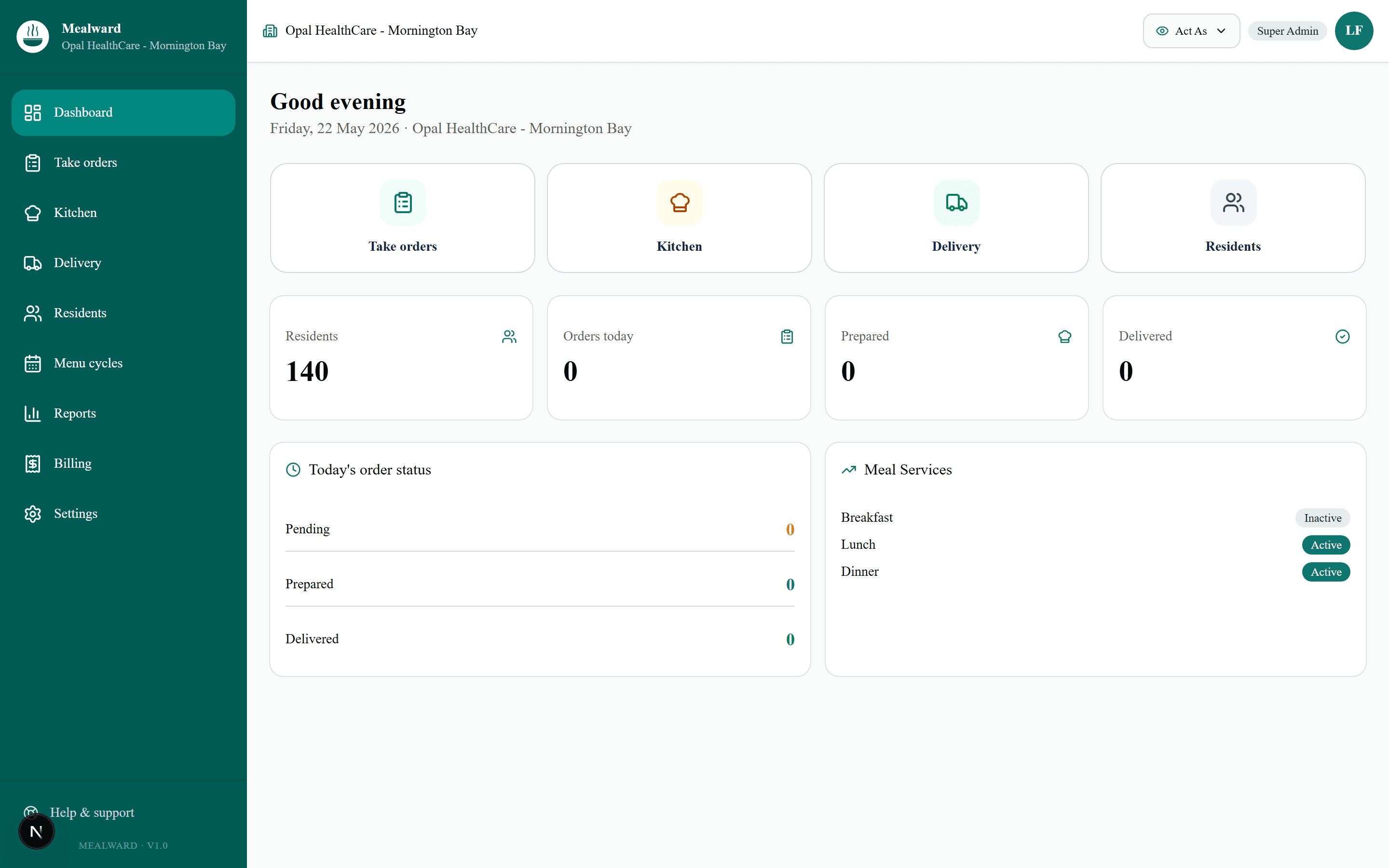
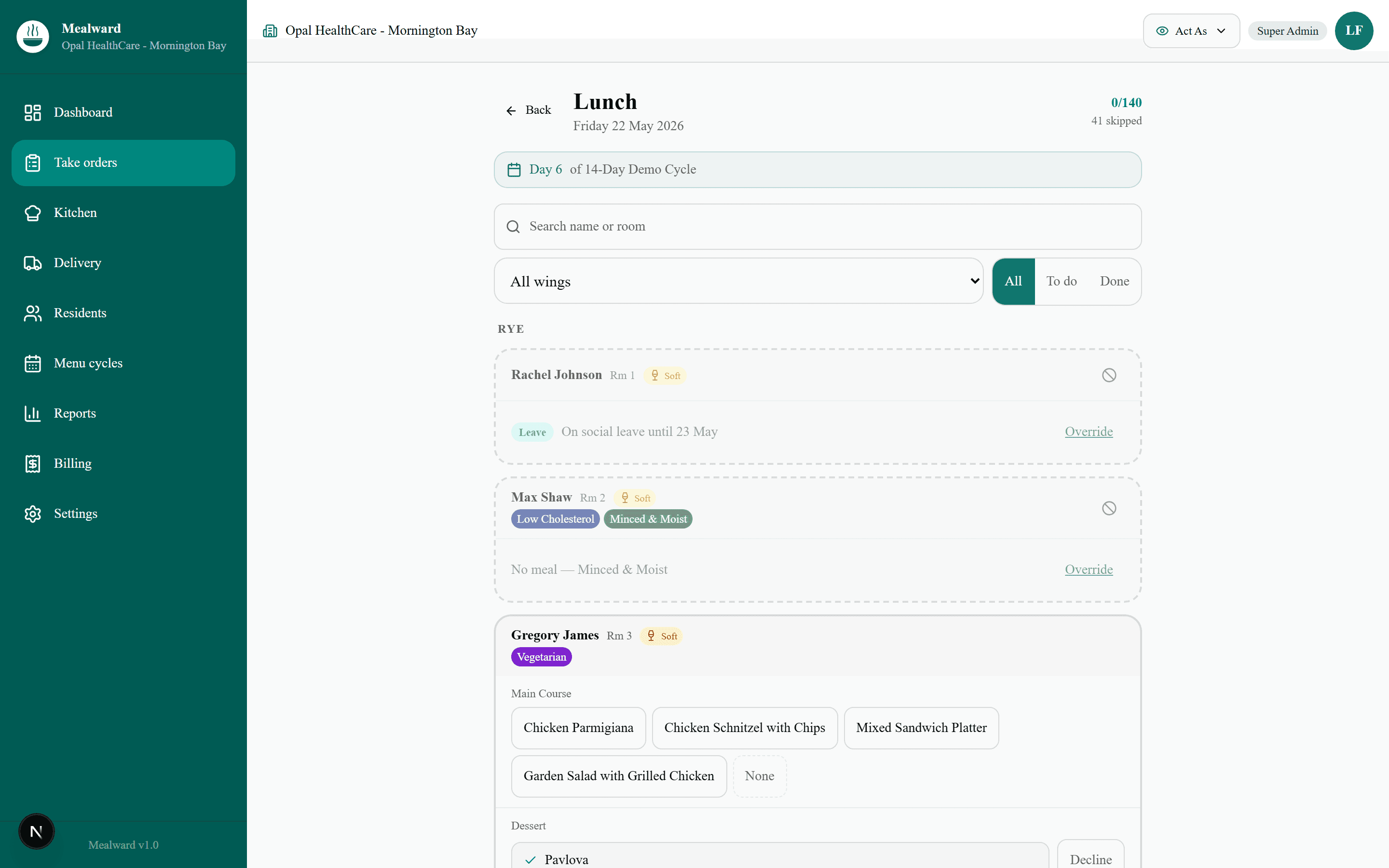
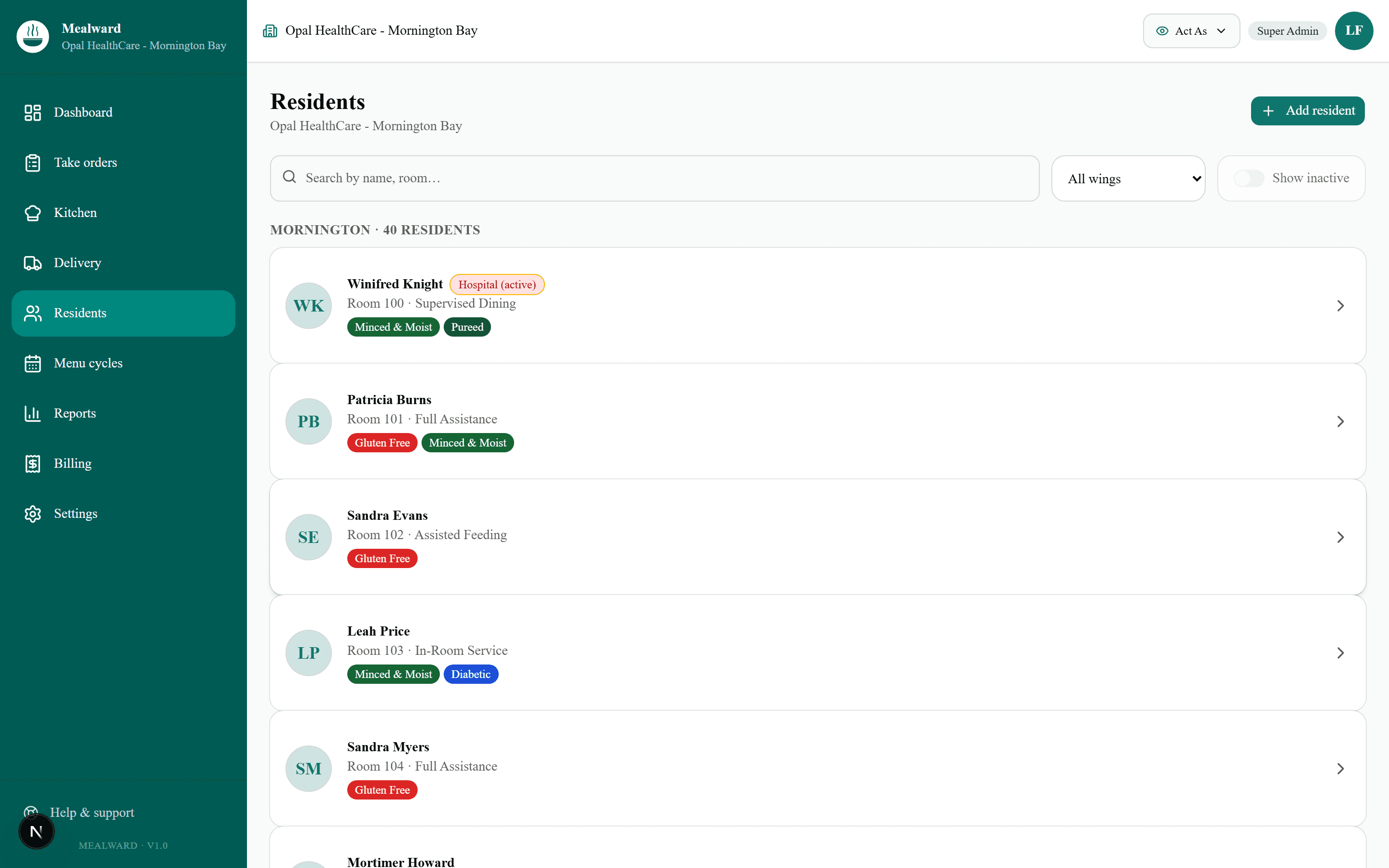
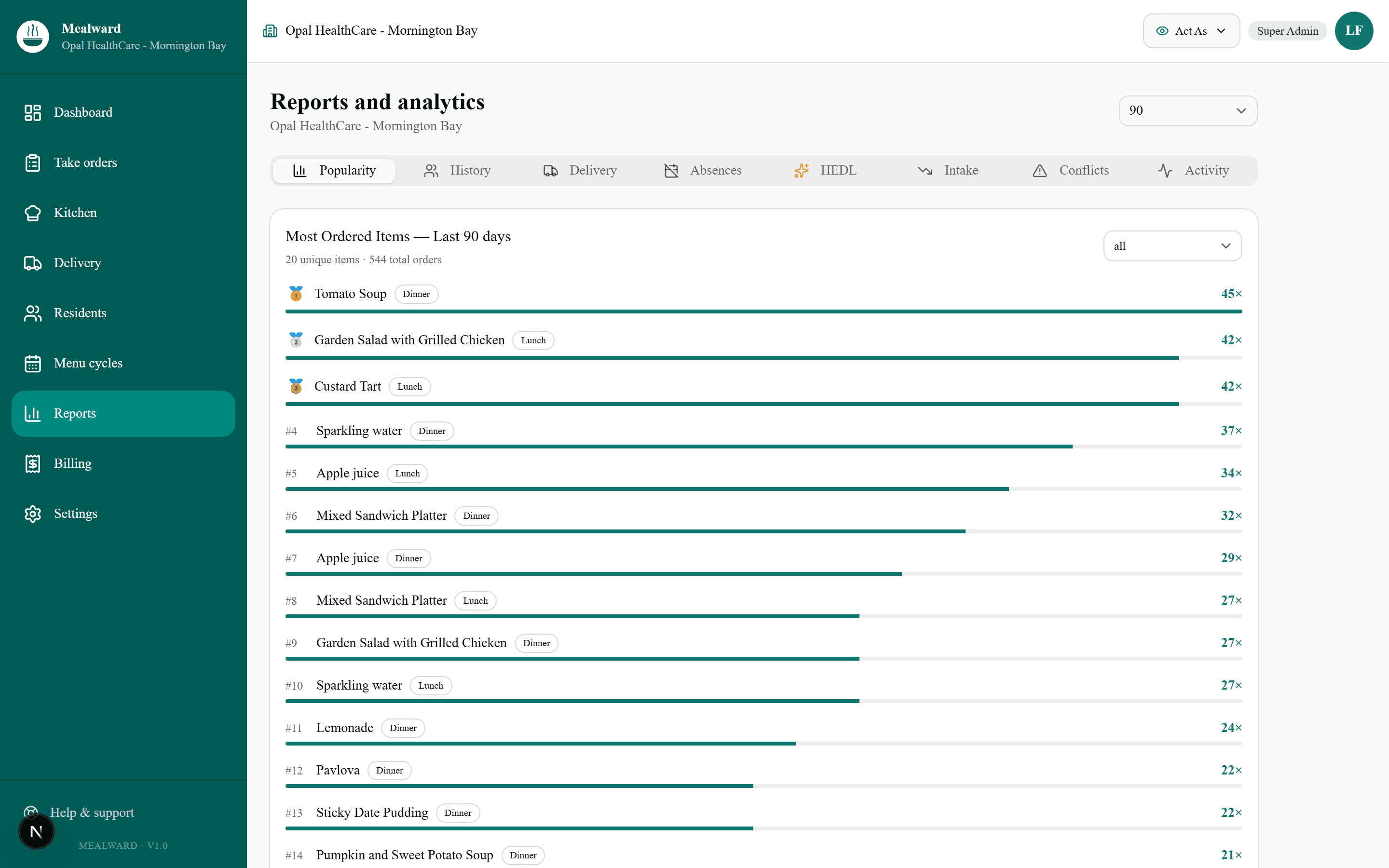
If you only have 10 minutes, walk these five sections in order. They mirror an actual day at a 100-bed facility.
What you'll see
Captured live from the demo
Six things to try
If you only have 15 minutes.
- 1Take an order as a PCA or GSO. Sidebar → Take orders → pick a service. Walk through a resident’s photo, texture tags, today’s options. Tap to confirm.
- 2Watch the kitchen view. Sidebar → Kitchen. Live aggregate counts, minced & moist auto-prep, plating groupings.
- 3Walk a delivery loop. Sidebar → Delivery. Room-by-room sheet, tap to mark each resident served, instant audit trail.
- 4Open the HEDL “what if” simulator. Sidebar → Reports → HEDL. Drag a slider, see annualised uplift move in real time.
- 5Browse 90 days of order history. Sidebar → Reports → History. Filter by wing, resident, dietary tag. Per-item counts populate everywhere.
- 6Open a resident profile. Sidebar → Residents → click any. Edit something - it persists until 2 am Sydney.
If you only do one, do 1 + 2 back-to-back— the core loop and the strongest single proof point.
Ready when you are.
10 minutes in the sandbox tells you more than any 60-minute slide deck. Open it, click around, then email us with the questions it raises.